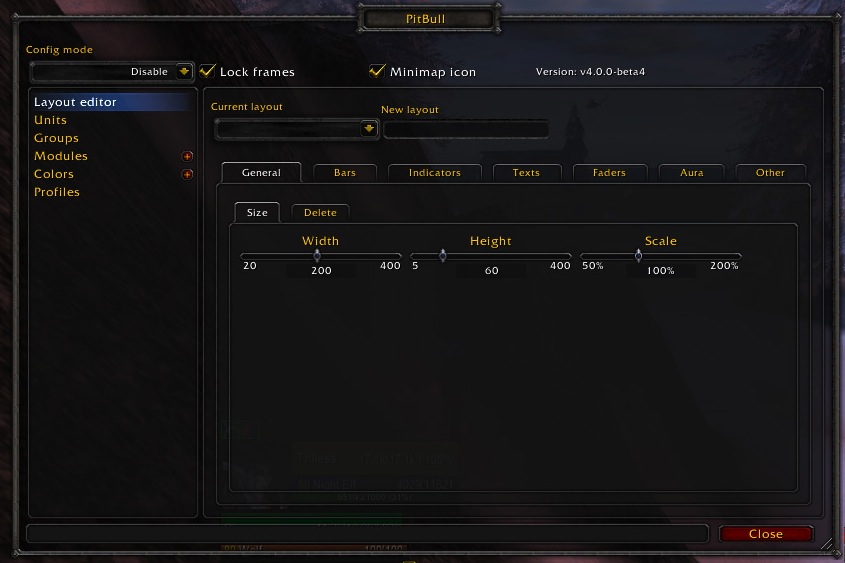
PitBull Unit Frames 4.0
PitBull Unit Frames 4.0
Woof. Arf. Yip.
Getting Started:
You can help translate PitBull for your language with the localization tool.
Classic
PitBull works with WoW Classic! Classic Era/Vanilla is supported in
v4.3.x-vanilla releases. Other Classic versions are supported in v4.2.x releases
(the same releases retail use).
Download
CurseForge: https://www.curseforge.com/wow/addons/pitbull-unit-frames-4-0
Wago: https://addons.wago.io/addons/pitbull4
WoWInterface: https://www.wowinterface.com/downloads/info20021


-
View User Profile
-
Send Message
Posted Aug 7, 2009-
View User Profile
-
Send Message
Posted Aug 10, 2009-
View User Profile
-
Send Message
Posted Aug 7, 2009Hey There! For some reason it doesn't let my account log in to the forums, so if you feel the need to delete this comment go ahead, but help would be appreciated!!!
I can't get my head around a few things in LUA, specifically..
How would I go about getting class-colored names BUT instead of < AFK (x.xx)> just " AFK" or " DND" in white
Text that shows a players class and level (in the format of "[80] Death Knight") and colors the level by difficulty and class by it's corresponding class-color OR if it's a mob- displays whether it is a "Boss, "Elite", "Rare" or a "Rare-Elite" as well as having its level colored by difficulty and the elite/rare bit, well, default (in the format of "[81] Elite") and if it is a mob that isn't rare or elite just displays its level and colors it by difficulty (format of "[80]")
Also, how do I add the users power-color to this: local max = MaxPower(unit) if max > 0 then return (Power(unit)) end
^-(All I want this to do is show me how much current power the unit has, there is probably an easier way to code this >_<)
Second last, How would i go about getting health% (default LUA text) just showing "Dead" instead of Dead x:xx
Last question, is there any way to change/remove the buffs/debuff borders? I would like to make the borders smaller, and I have found a 'thin border' option but i figure it probably has no relevance to me as i'm not a de-magic/disease/what have you-er...
Thanks for the help in advance :-), Red.
-
View User Profile
-
Send Message
Posted Aug 7, 2009I feel really retarded, but I can't help it at the moment. I'm trying to setup PB4 and want to make some changes with LuaText. I figured out what do I need, how to make code viable, but I can't figure out where should I write my changes! QQ
For example, I want to replace current unit name (all units) with this:
All right, but I can realise where I have to put this. Really sorry for stupid question, I can't see obvious things, but bear with me for this one, please * makes puppy eyes *
-
View User Profile
-
Send Message
Posted Aug 7, 2009zerix2, Yes a smoother will be added, we had one in PB3, I just haven't gotten to it since there are more pressing things.
Skoorbm, I know that CaithUI is fairly far behind us as far as versions of PB4. So that's probably why. We switched from DogTagText to LuaTexts being the default. But I don't think Caith has been updated to reflect this yet.
-
View User Profile
-
Send Message
Posted Aug 6, 2009-
View User Profile
-
Send Message
Posted Aug 6, 2009-
View User Profile
-
Send Message
Posted Aug 6, 2009-
View User Profile
-
Send Message
Posted Aug 15, 2009-
View User Profile
-
Send Message
Posted Aug 6, 2009-
View User Profile
-
Send Message
Posted Aug 6, 2009-
View User Profile
-
Send Message
Posted Aug 10, 2009-
View User Profile
-
Send Message
Posted Aug 10, 2009-
View User Profile
-
Send Message
Posted Aug 6, 2009One question: Is there anyway to resize the portrait? I wasn't able to figure out where the bar size for the portrait bar is configured. The default size is a tad big for my layout.
Thanks! Lovin' the new PitBull!
-
View User Profile
-
Send Message
Posted Aug 6, 2009-
View User Profile
-
Send Message
Posted Aug 10, 2009-
View User Profile
-
Send Message
Posted Aug 6, 2009-
View User Profile
-
Send Message
Posted Aug 6, 2009Thanks Shefki, I found a solution though. I am using Caith's UI and someone on the thread on WoW Interface fixed it. For anyone having the same problem, here was the solution.
"I installed the new PB4 and went into pitbull setting... changed the empty space to blank texture on the player, target, and targettarget to get it back to black. I then went into the pitbull modules and enable dogtags and it seems to work ok for the time being.
This seems to work ok in solo mode atm, I havent tried party or raid mode, but havea feeling similar changes would need to be made for the party frames as well. "**
-
View User Profile
-
Send Message
Posted Aug 6, 2009Were there any plans to add a smooth health updater module? Similar to the oUF one?
http://www.wowinterface.com/downloads/info11503-oUFSmoothUpdate.html
-
View User Profile
-
Send Message
Posted Aug 6, 2009exviza, The system for colors on bars is going to change soon. I'll take this into consideration. Thanks for the feedback. No idea on the talentspectag stuff, that's a DogTag issue and I don't really have much to do with DogTag.
Skoorbm, You probably don't have the LuaTexts or DogTagTexts module(s) loaded. Probably only need one or the other.
silkfire, 1. Without a map addon showing the map would hide the frame which cleared our castinfo cache. If we're updating the frame for any reason now and have an empty cache we double check if the unit is casting.
2. Custom colors were broken by an interaction between the fix for the custom color/aggro bug and some alpha code, in particular the CastBar was still passing an old parameter that I removed, which the bar system interpreted as override the custom color.
3. Because that's what ckknight set as the default, it's in the GetColor function in the CastBar module.
theiven, Your post is really hard to read due to the lack of spacing. However, you can make party targets. Just make another group and set the Unit group to Party targets.
You can indeed move the auras positioning around and I'm pretty sure your desired layout is possible. The Aura system includes filtering, you probably want Default buffs and Default debuffs.
There's no way to have a target's pet frame in WoW at all. So no idea where you came up with this. You can certainly have frames for party/raid members pets but that doesn't sound like what you're talking about. PitBull3 certainly didn't have this feature.
You need to create groups for raid frames, we don't ship with any by default. A considerable number of our users don't even use our raid frames. Just create a new group and set the Unit group dropdown to Raid.
Really you're not going to get a long list of units back, it's not the design. It's not where the addon is going. Once you understand how the new system works you can do everything you want to do and more with PB4 that you could with PB3 with a handful of things that we just haven't implemented, none of which seem to be things you're asking about.
As far as PB3. It works fine with the patch. There were some minor changes and some needed library updates, but the addon in general still works just fine. That said, it's not actively being maintained and probably won't be at all once we consider PB4 release quality. LibRock the framework that PB3 is built on top of is no longer maintained and is fairly broken these days.