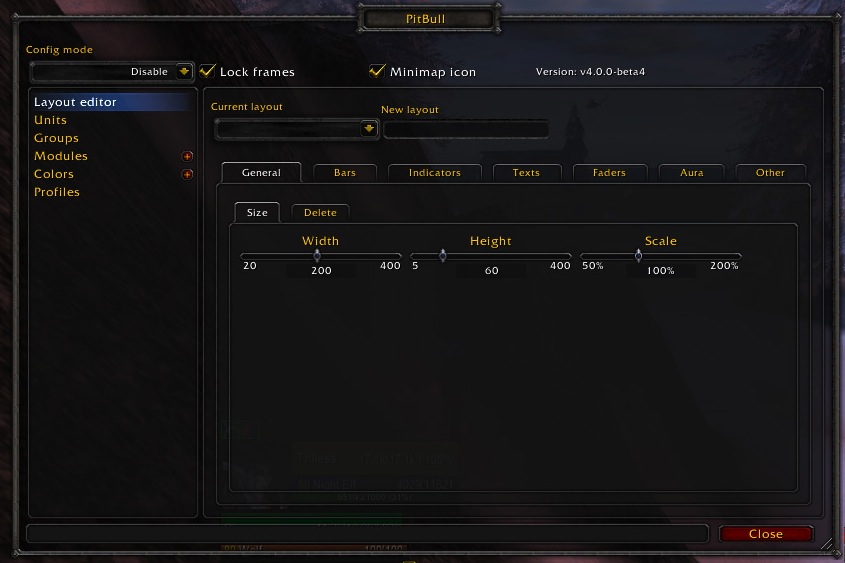
PitBull Unit Frames 4.0
PitBull Unit Frames 4.0
Woof. Arf. Yip.
Getting Started:
You can help translate PitBull for your language with the localization tool.
Classic
PitBull works with WoW Classic! Classic Era/Vanilla is supported in
v4.3.x-vanilla releases. Other Classic versions are supported in v4.2.x releases
(the same releases retail use).
Download
CurseForge: https://www.curseforge.com/wow/addons/pitbull-unit-frames-4-0
Wago: https://addons.wago.io/addons/pitbull4
WoWInterface: https://www.wowinterface.com/downloads/info20021


-
View User Profile
-
Send Message
Posted Oct 3, 2026I am currently maintaining three versions of PitBull4: Retail, Forever, and Classic Era.
Retail:
https://1drv.ms/f/c/25688cb7a16be526/IgDvr810POcETbKR5MaoqZTgARoMWi3misaF8nw5m6yD2iU
Forever:
https://1drv.ms/f/c/25688cb7a16be526/IgDgWYXbsovgS77c_QmECifMAdVTWV6DiwqJ2sOLbGrfHf8
Classic Era:
https://1drv.ms/f/c/25688cb7a16be526/IgB82OpngZYlTrQLhv98IxBcAVnAOsQ7dmZq8qQUT4wnocg
Additional features in the Retail version
I have implemented several new features and compatibility tools in the Retail version, including:
Blizzard Edit Mode support – PitBull frames can be integrated into Edit Mode, making it easier to position and manage them alongside the default UI.
Edit Mode Backup & Restore – allows the current PitBull/Edit Mode frame configuration and positions to be backed up and restored. This provides an additional safety net when experimenting with layouts or when changes to Blizzard's Edit Mode would otherwise affect existing frame positions.
Legacy Profile Migration / Conversion – a compatibility tool designed to migrate older PitBull4 profiles to the newer Midnight-compatible format. It attempts to preserve existing layouts and settings while converting or rebuilding parts of the profile that are no longer directly compatible with Blizzard's newer UI/API framework.
Major Cooldown Auras / Cooldown Announcer – displays important defensive and offensive cooldowns directly on the unit frames, with configurable categories and visual indicators.
Whole-frame debuff highlighting – important debuffs can highlight the entire unit frame, making critical effects much easier to notice.
Midnight compatibility work – various fixes, safeguards, and internal adjustments required to keep as much of PitBull4's original functionality working as possible with Blizzard's newer Lua/API framework and its additional restrictions.
My main goal has been to preserve as much of the original PitBull4 functionality and behavior as possible while adapting the addon to Blizzard's newer Lua/API restrictions. ;)
Once the Forever version reaches a reasonably stable state, I plan to bring the additional Retail features over to the Forever build as well. Please give me a little time for that. =)
A note about CurseForge
I am not permitted to create a new PitBull addon page on CurseForge, and I want to be completely transparent about that: I will not create one unless I receive explicit permission to do so.
I am, however, allowed to distribute my maintained versions of the addon in the way I currently do.
-
View User Profile
-
Send Message
Posted Oct 4, 2026@Rumorix I appreciate all of the work you're doing to keep this addon afloat! I'm not sure if I've missed it, but when I ping my unit frame it sends a health notice rather than the default self ping is that something I can change?
-
View User Profile
-
Send Message
Posted Oct 5, 2026@Cedande i will look into it! it should be managable to differ between HP and Unit Ping
-
View User Profile
-
Send Message
Posted Oct 5, 2026@Cedande Thanks! And yes, you haven't missed a setting — that's currently caused by PitBull treating the entire player frame as Blizzard's player-resource ping area, so it sends the health/power callout instead of the normal self ping.
I'll change this so the normal self ping can be used again, most likely with an option to choose between the default self ping and the health/power resource callout.
-
View User Profile
-
Send Message
Posted Oct 5, 2026@Cedande Uploaded a new version where you can select ping behaviour
-
View User Profile
-
Send Message
Posted Oct 5, 2026@Rumorix Thank you so much!
-
View User Profile
-
Send Message
Posted Oct 5, 2026@Rumorix Huge thanks for keeping this addon maintained! I’m trying to get the Forever version, but the provided OneDrive link won’t open for me. Would you mind sharing another download link, or sending the addon to [email protected]? I really appreciate your help!
-
View User Profile
-
Send Message
Posted Oct 5, 2026@denverchenc82 hi! please try again =)
-
View User Profile
-
Send Message
Posted Oct 5, 2026@Rumorix Classic Era isn't working, is there another link?
-
View User Profile
-
Send Message
Posted Oct 6, 2026@HePlayCheat links should work now
-
View User Profile
-
Send Message
Posted Oct 6, 2026@Rumorix my goat
-
View User Profile
-
Send Message
Posted Oct 6, 2026@Rumorix Hi, is there a solution for this problem—only bars are displayed, without any text?
-
View User Profile
-
Send Message
Posted Oct 6, 2026@user_1t8n5v9c4jlftccn Are you on Forever version? I've been testing it a lot and upgrading from some versions will break your settings and need to be redone from a fresh saved variable wipe for this addon.
-
View User Profile
-
Send Message
Posted Oct 6, 2026@ixlone retail
-
View User Profile
-
Send Message
Posted Oct 6, 2026@user_1t8n5v9c4jlftccn please convert your existing profile via the "Profile upgrade" menu - that will help just "/pitbull config" --> Profule Upgrade
-
View User Profile
-
Send Message
Posted Sep 29, 2026I'm also getting the {err} but omg yay for pitbull back
-
View User Profile
-
Send Message
Posted Sep 29, 2026@Foxymomma82 i nearly resolved the issue with aveiceae - i might ad a small menubutton to convert old profiles to midnight - tl;dr: you need to change the texts in the layout editor :D
-
View User Profile
-
Send Message
Posted Sep 30, 2026@Rumorix can confirm the latest version with the Profile Upgrade feature fixed all my {err} problems and Pitbull is running like a champ now!
-
View User Profile
-
Send Message
Posted Sep 30, 2026@aveiceae =) Brilliant as i allready said: i would kindly recommend to backup wtf/interface and then upgrade all profiles - just to make it extra safe - but it "should" work just fine
-
View User Profile
-
Send Message
Posted Oct 4, 2026@Rumorix I got rid of the old Pitbull folders, installed v95 and I'm still getting {err} =/