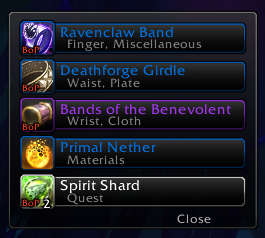
See and manage your auto-loot list. In Loot Frame > Auto-looting, the "Items to loot" box is now "Add items":
type a name or several names separated by commas, or click in the box and shift-click an item, then press Enter.
Every item on your list now shows under it, and the new "Remove an item" dropdown and "Remove" button take one off.
Names already on the list are skipped. Suggested by Carolina.
Korean translation. Almost all of XLoot is now in Korean, including the options panel. The new "Add items" box,
"Remove an item" dropdown and "Remove" button show in English for now. Contributed by HandongHCI.
Improvements
The auto-loot list ignores capital letters, so "linen cloth" matches Linen Cloth. This works for Russian and
accented letters too.
Bug Fixes
On retail and WoW Forever, the item name and the Transmog and Pass roll counts on group loot roll bars sat too low,
and the Transmog and Pass buttons hung below the bar. They now sit centered. Reported by Sythalin.
An item shift-clicked into the auto-loot list was saved as a full item link, which never matched, so that item
was never auto-looted. Items already saved that way now work without adding them again.