This site works best with JavaScript enabled. Please enable JavaScript to get the best experience from this site.
It still doesn't work after the latest update (4.3.9-classic). The addon works when you create a new profile. You can make initial settings and save them. However, when you restart the game, the addon doesn't work until you create a new profile. Then, it doesn't work again when you restart the game.
Update.
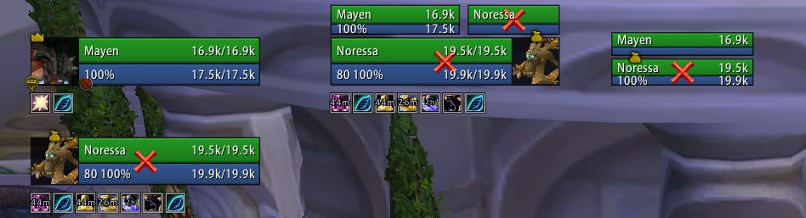
Frames are invisible. If you hover your mouse over the place where it should be, it will be highlighted and you can select it. However, all frames will still be invisible. Standard frames are visible, even if they are disabled.
+1, bump for relevance, still don't have a working version.
I fixed it for myself. In the /suf settings, on the Hide Blizzard tab, uncheck the Hide player castbar option. Adjust the others to your liking.
Next, open the file _anniversary_\Interface\AddOns\ShadowedUnitFrames\ShadowedUnitFrames.lua and change line 779fromhideBlizzardFrames(false, BuffFrame, TemporaryEnchantFrame)
to
hideBlizzardFrames(false, BuffFrame, TemporaryEnchantFrame or DebuffFrame)
If you don't want to change the code or don't use SUF buffs, you can simply uncheck the Hide buff frame option.
Since I use standard raid frames in my party and Grid for raids, I also unchecked the Hide party frames and Hide raid frames options.
In total, I unchecked 3 options (Hide player castbar, Hide party frames, Hide raid frames) and made changes to the code. Everything works as expected, and I tested it on BG.Lexusez-Spineshatter
You're a genius, a regular computer wizard. I spent hours setting it up and trying to get it to work. changing that one line fixed it for me, reloading or logging out doesnt reset to blizz UI anymore. Thank you very much sir, ive been using SUF for years and didnt wanna change.
To post a comment, please login or register a new account.