Main Panel
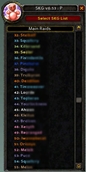
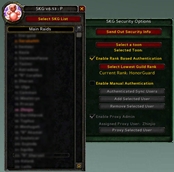
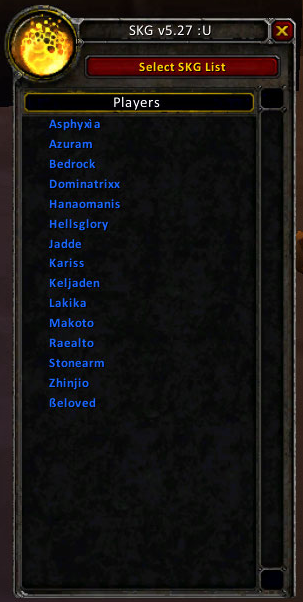
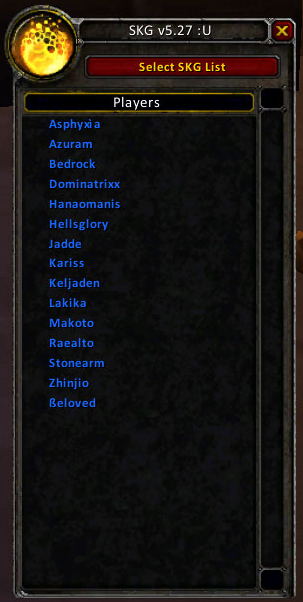
Main Panel with "Players List" displayed
This image is the main panel of SKG. The circular image at the very top left is the option switcher button. This button changes you between all the available panels in the SKG interface. The Roll list selection chooser is just below that, followed by the contents of the Roll list itself.
In this particular case, the Displayed list is the Players List. Note the lack of class coloring, since the Players list does not care about class coloring. Further, the list is simply in alphabetical order, with no numbering.
Facts
- Posted on
- 02 Nov 2008
- Filename
- MainPanel.png
- Filesize
- 185.2 KiB
- Dimensions
- 303px by 602px
- MD5
- 531c6e7706a02480e02f10fdfb0d8366